
✓
Record the starting point
Before making changes, check available space and note the folders you plan to review.
A visual format helps show familiar problems and a more organized workflow.
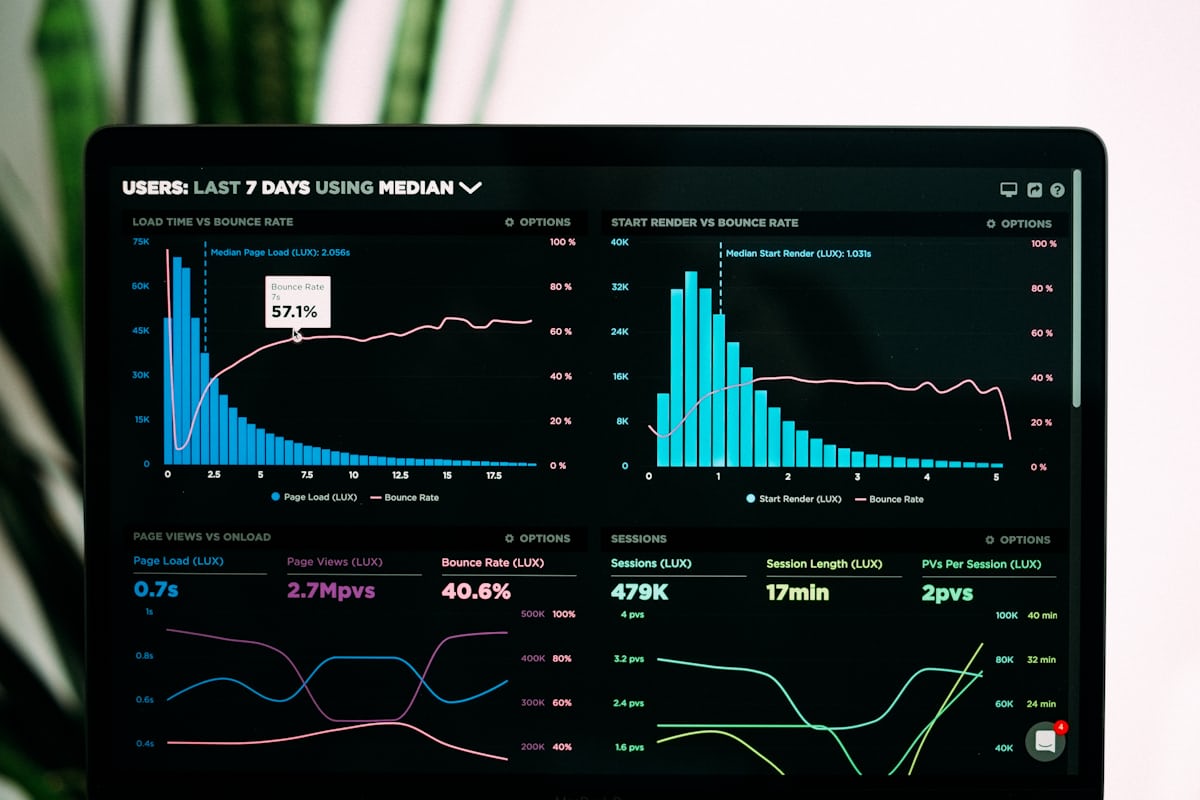

When a computer holds too much clutter, people usually want a clear route toward a tidier state rather than a complex diagnosis.
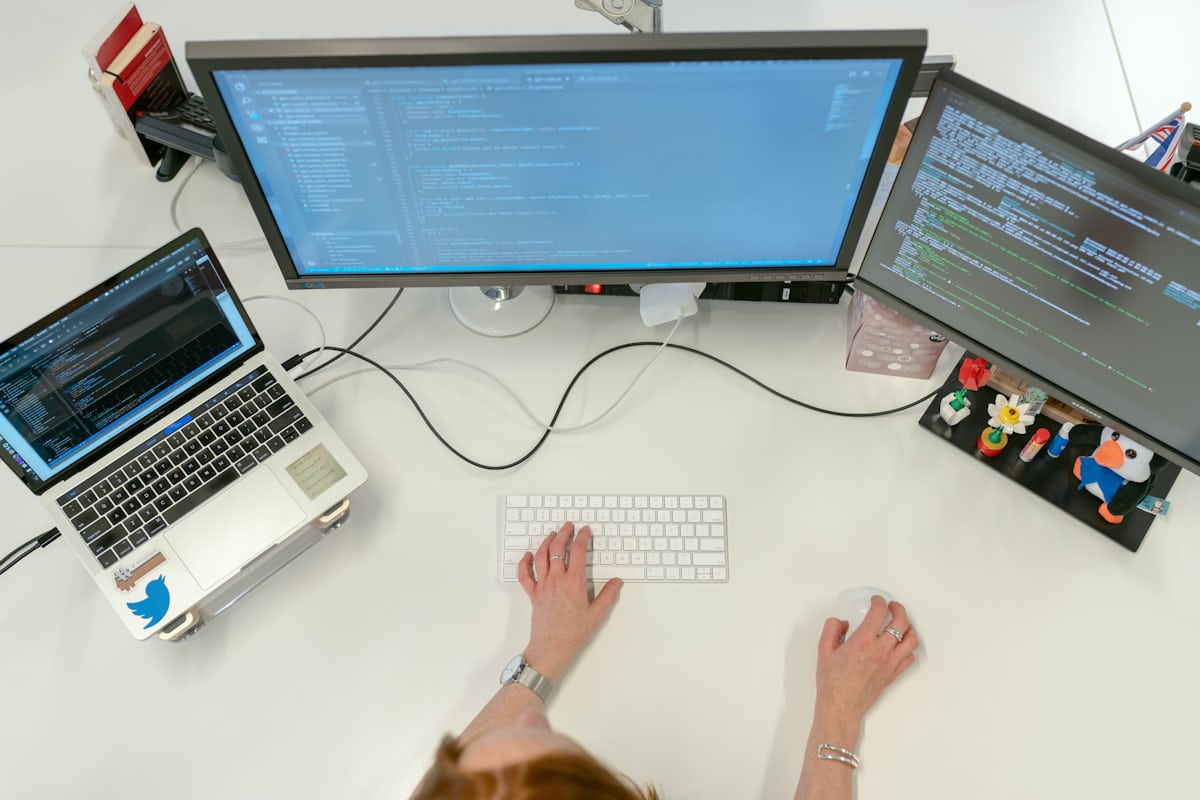
The point of comparison is simple: show how a more comfortable path looks without overloaded language or pressure.
A before-and-after comparison is useful when it relies on measurable details: available space, unused installers, folder organization, and the time needed to find a file.
Before making changes, check available space and note the folders you plan to review.
This makes it easier to understand what helped and what can be safely reversed.
File cleanup will not fix overheating, disk failure, malware, or a hardware problem.